WebWindowsmacOS
ENKOJA
Solution Overview
When you work with AI, one document format comes up again and again.
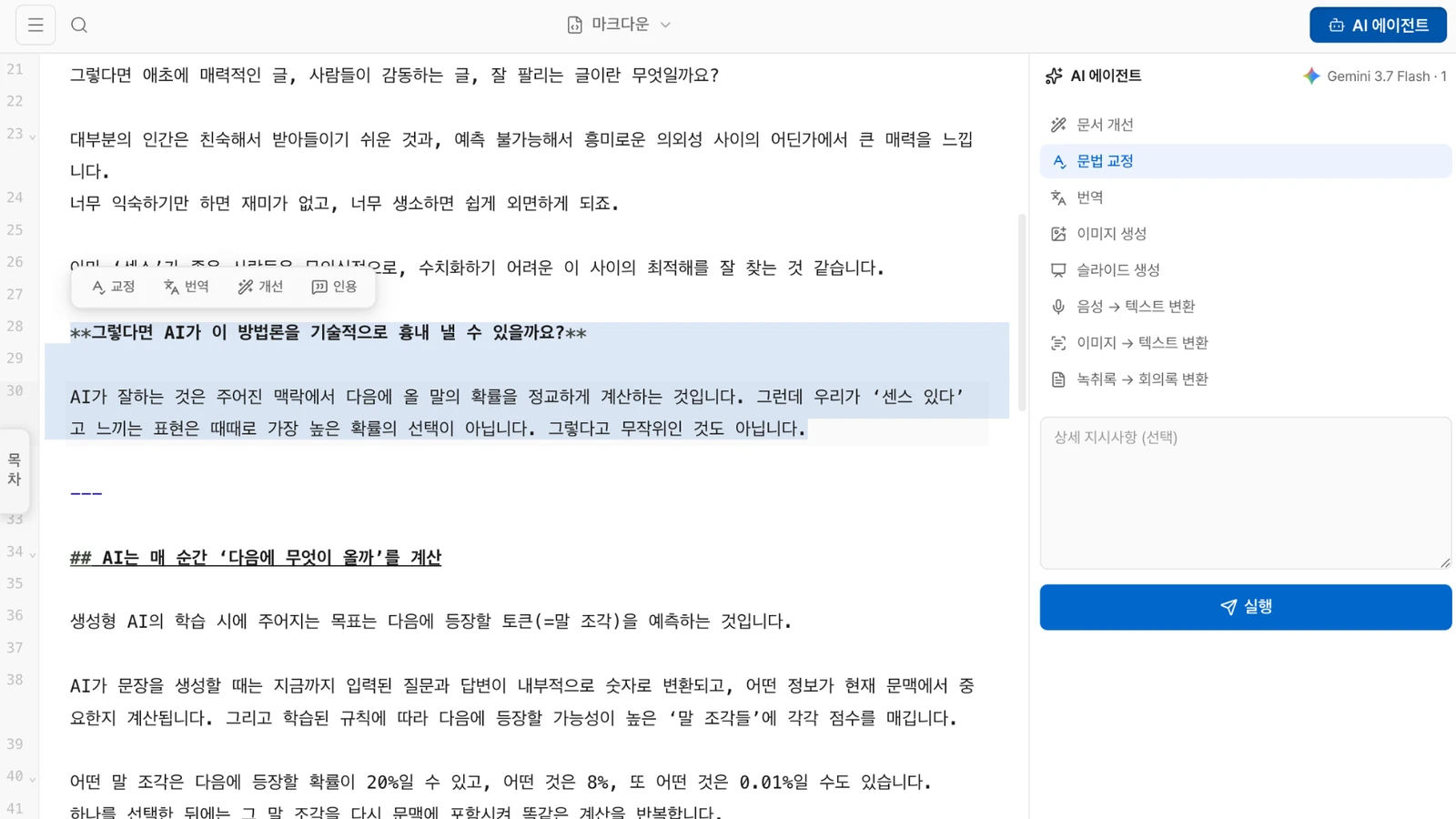
A # before a heading, a - before a list item, ** around bold text — this is Markdown, a format AI can read and write especially well.
For people, though, Markdown is not always the most comfortable way to work. Paste AI-generated text into Word or another document app and the formatting may break. Then every revision means jumping back to the AI, regenerating the text, and pasting it in again.
Edit, regenerate, paste, repeat. It gets tedious fast.
MarkMind is an AI-first document app built around a single Markdown file that both people and AI can read, edit, and use in different ways.
“Do I really have to copy and paste AI-generated text every time?” “Do I need to resend the file whenever I want something changed?”
MarkMind can connect directly to the AI tools you already use, including ChatGPT and Claude. Those AI tools can read your saved documents, find the right section, edit it, or add new content directly — so you no longer have to keep switching between an AI chat and a document app.
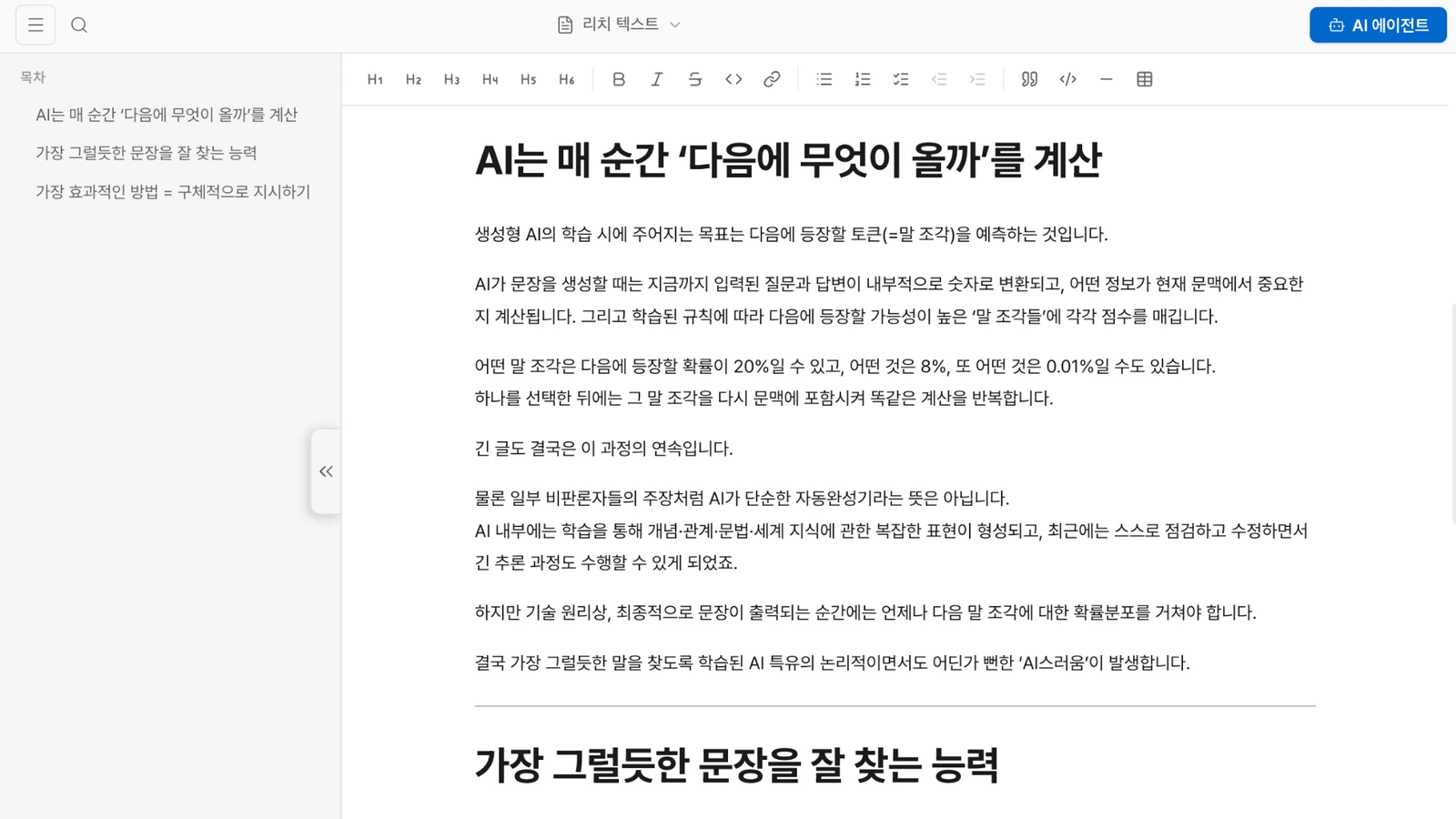
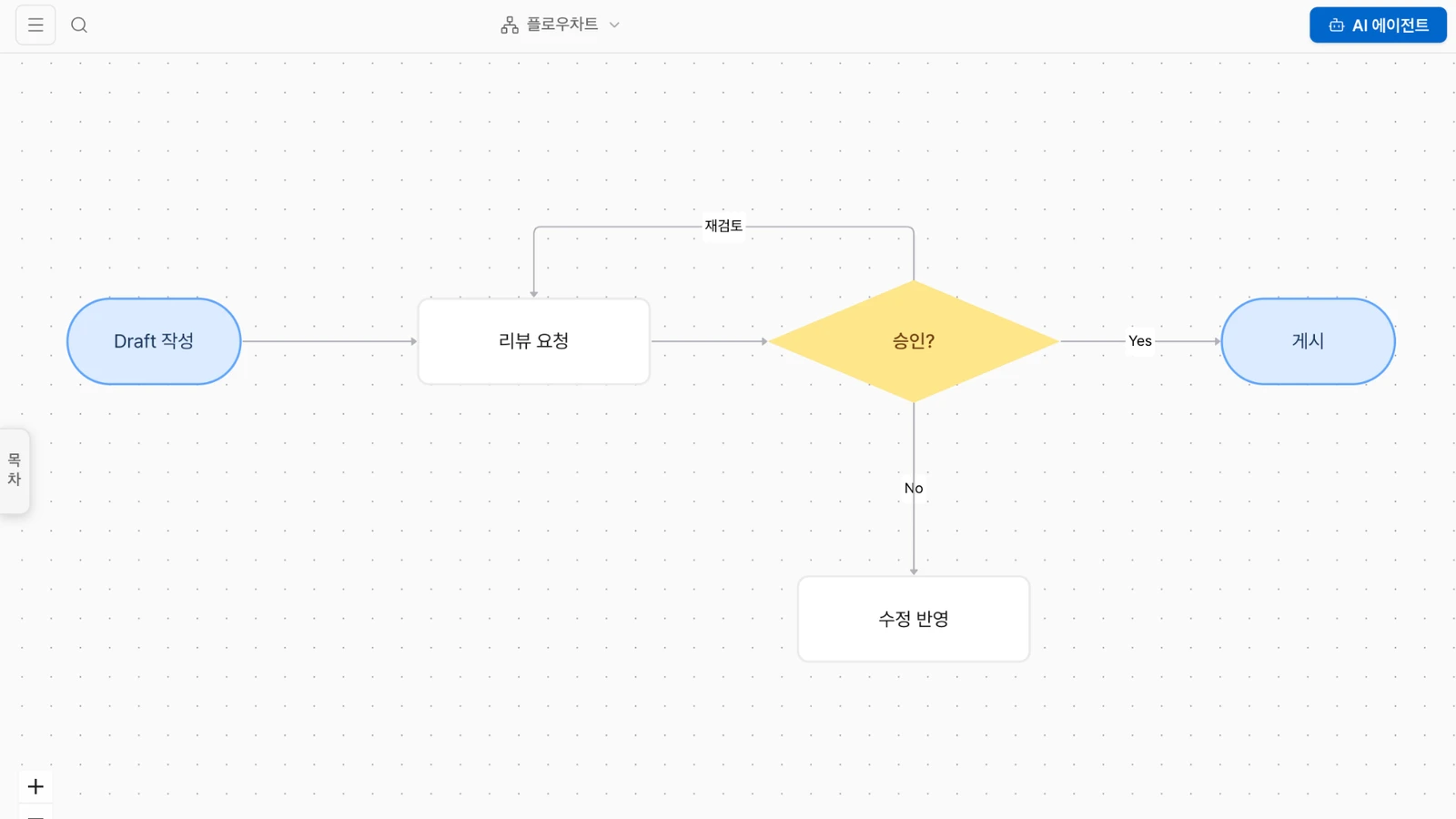
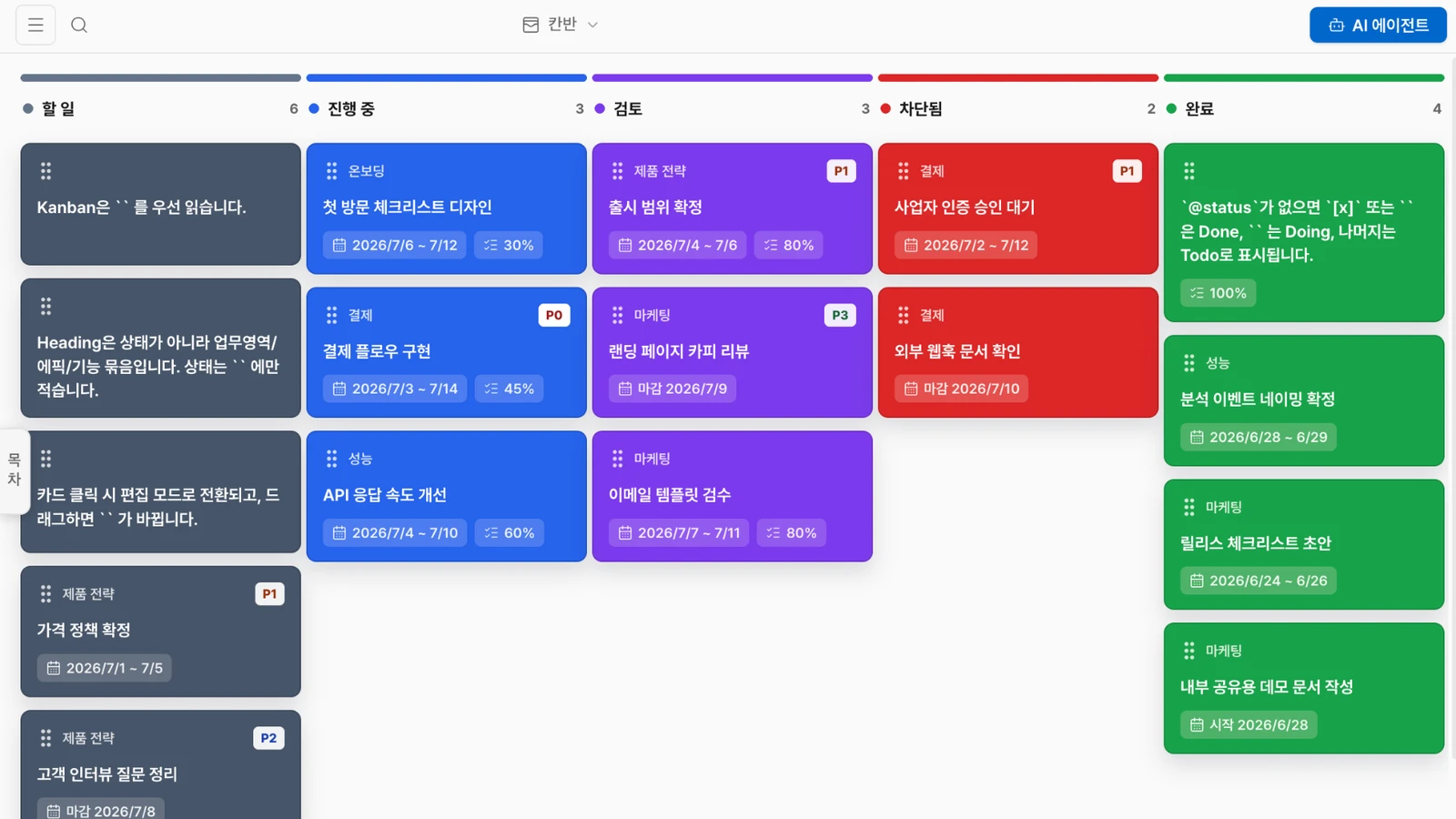
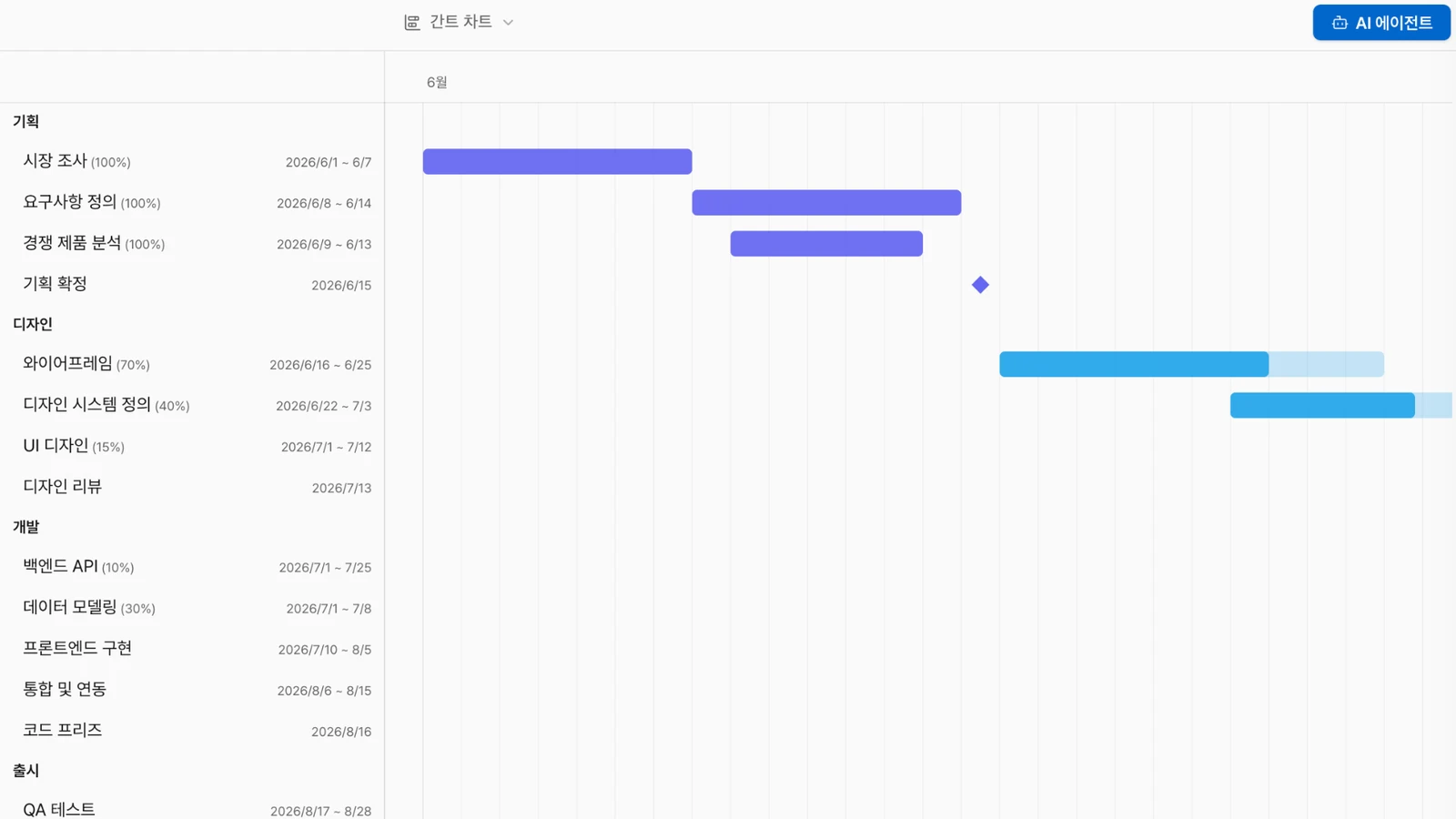
For people, the same document can appear in whatever form is easiest to work with. Read and edit long text like a normal document, view ideas visually, organize work and schedules, or turn the content into presentation material when you need it.
You do not need an external AI connection, either. MarkMind also includes built-in AI features for rewriting, translation, summarization, expansion, and generating new material directly from the document you are working on.
MarkMind brings together a document format that works well for AI and a workflow that feels natural for people. You work in a familiar interface, while AI can read and use the exact same document behind the scenes.
Key Features
- Markdown and rich document editing — Move freely between raw Markdown and a familiar document view while reading and editing.
- One document, many views — Turn the same document into mind maps, flowcharts, Kanban boards, Gantt charts, or slides, with AI-generated views when needed.
- Direct AI connection via MCP — Connect tools such as ChatGPT and Claude so they can read, search, and edit your documents directly.
- AI rewriting and translation — Rewrite or translate selected text, improve the full document, and compare changes before applying them.
- Turn audio, images, and PDFs into documents — Convert meeting audio, images, and PDFs into editable content.
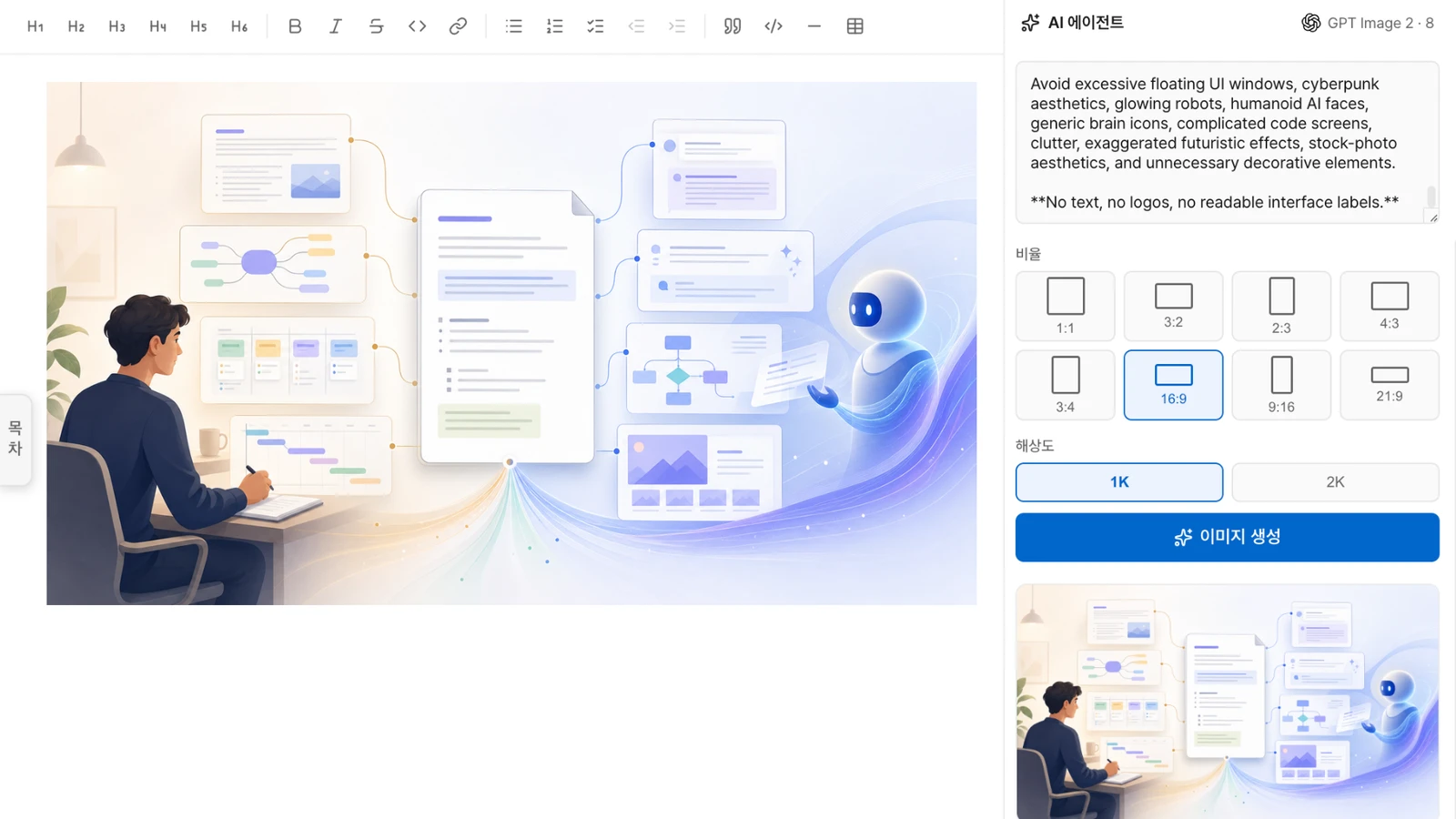
- AI-generated slides and images — Reshape a document into a presentation flow and generate the images and slides you need.
- Export to multiple formats — Save finished work as PDF, HWP, PPTX, HTML, and other practical formats.
- Open any document — HWP, PDF, Word (.docx), Excel (.xlsx), PowerPoint (.pptx), EPUB, Jupyter (.ipynb), HTML, CSV/TSV, and ZIP archives all open as Markdown with ⌘O. There is no separate import menu — pick a format in the open dialog if you want to narrow the list.
Solution Images