Worried About AI Training on Your Art? Start With the File You Post
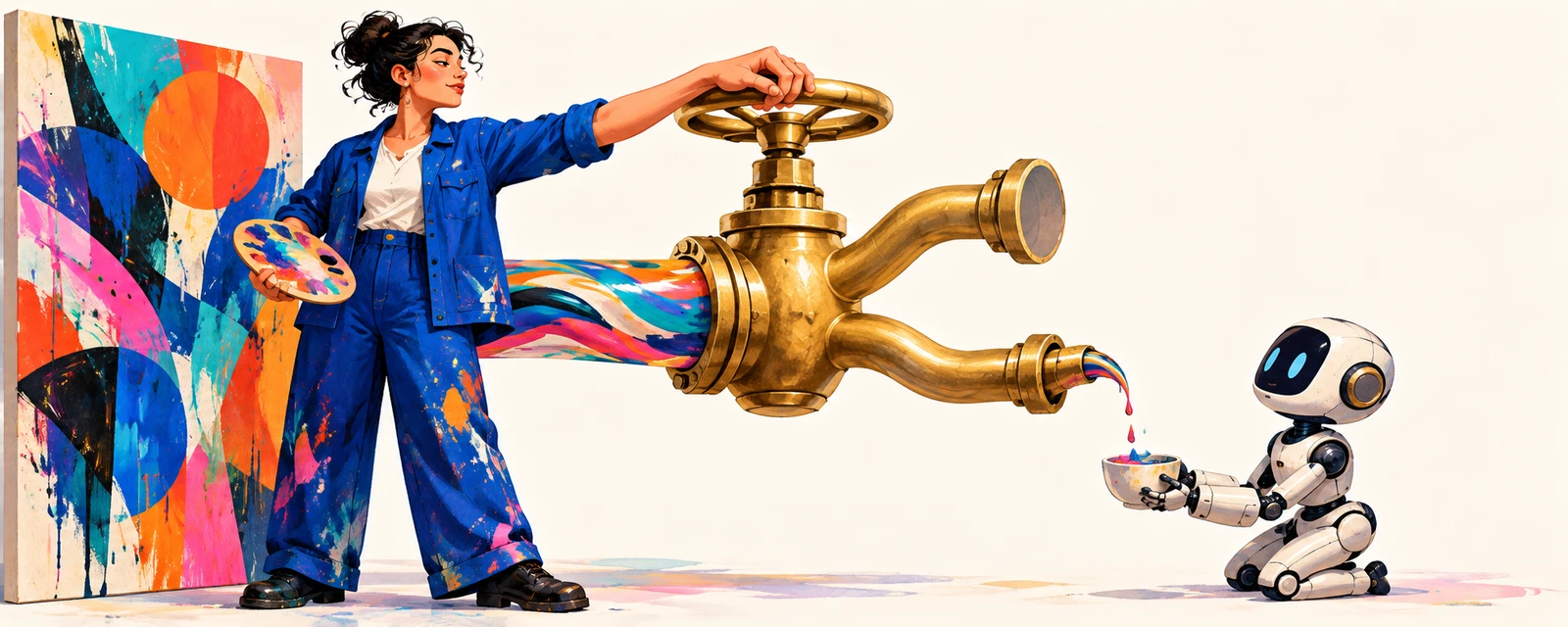
Your work needs to be seen to bring in the next commission. That means updating your portfolio, sharing new illustrations, and reaching people who might hire you. If you are worried about unwanted AI training, there is another decision to make before posting: not just which artwork to share, but which version of the file.
On October 21, I met Kim Gyu-seok, head of digital content protection company MORI, at the Teheran-ro Coffee Club. One of MORI’s solutions is a filter applied to images before publication to interfere with AI training. Creators choose the work they want to protect, download the processed files, and share those versions.
You cannot build an audience by hiding your work
For an illustrator, a portfolio is a route to the next client. For a content team, published work helps people recognize the brand. Posting less out of concern for your work also gives clients and fans fewer chances to discover it.
South Korean news agency NEWSIS reported that works by Han Kang were included in the copyright settlement concerning Anthropic’s illegal downloads. Decide who you want to let use your work, and how, before you post it.
If you want to keep sharing while taking steps against unwanted training use, start with what happens before you upload.
Keep the original. Prepare a separate file to post.
MORI’s AI training interference filter fits into that pre-publication workflow. MORI describes it as a filter designed to alter images to make it harder for AI to learn their style and features.
The published workflow is straightforward: upload an image, apply the filter, inspect the result, and download it. The processed image can then be posted in a portfolio, a community, or on social media.
For example, before sharing a new illustration, add a step to filter the posting copy and check the result. Keep your original separately and prepare a dedicated file for public use.
Ask concrete questions before choosing a tool. Check whether the output preserves the colors and lines the way you want them to appear. Ask the provider which AI models and image-processing conditions it tested. Find out whether those tests included the compression and resizing that can happen when images are uploaded to social platforms.
Set permissions one work at a time
You might use AI in your own workflow without wanting your signature work used for training. You might also be willing to supply a separate set of pieces on agreed terms. You do not need one policy for everything you create.
In a 2024 survey by the UK writers’ rights organization ALCS, 72% of respondents expected the ability to opt out of AI training licensing schemes. The option to decline matters just as much as the terms for saying yes.
To put your own policy into practice, read the terms of the services where you post. Check how they address training use and whether they offer opt-out settings. Use that information to decide whether a platform fits how you want to share your work.
If someone approaches you directly about licensing work for training, define the scope before discussing the fee. Go beyond “you can use my work” and ask:
- Does this cover only the named pieces, or future work too?
- Which company, models, and services will use them?
- Can the work be passed to another company? What use is permitted after the agreement ends?
Answering these questions makes it easier to decide whether to accept an offer. For work already covered by a client agreement, first check what you are entitled to authorize.
Decide what use you will permit, then assess the price for that scope. As the creator, you should decide where that permission starts and ends.
Make three decisions before your next upload
Choose one piece you plan to publish next and settle these three points.
First, where will you post it? Check the platform’s terms on training use and any opt-out settings.
Second, which file will you post? If you choose to use a training interference tool for that piece, prepare a filtered posting copy and inspect the result.
Third, what will you permit? If a training-license offer arrives, identify the work, the recipient, and the permitted uses before replying.
For a team, add these three points to the publishing checklist. The person uploading a file and the person deciding on permissions may be different, but they can work from the same criteria.
Finishing the artwork is also the moment to choose the public file and the permissions you will grant. Those decisions are part of the creative process.
Want help setting your team’s guidelines for publishing artwork and using AI? Tell us what you create and where you publish it through the AIB contact form (in Korean).