Beginner Guide To Claude Design
- •Anthropic launched Claude Design on April 17, 2026 as a research preview under Anthropic Labs
- •Claude Design generates browser-runnable code for prototypes, decks, landing pages, voice input, and 3D elements
- •The guide recommends design-system setup, 4-part prompts, version saves, and early Claude Code handoff
Anthropic launched Claude Design on April 17, 2026 as a research preview under Anthropic Labs, its category for early products. KDnuggets reported that Figma's stock dropped roughly 7% the same day and that Figma board member Mike Krieger had stepped down three days before the announcement, timing that market watchers noticed, but the guide centers on how beginners should use the tool. Claude Design runs at claude.ai/design, uses Claude Opus 4.7's vision capability, and is available on Pro, Max, Team, and Enterprise plans, with Enterprise admins required to enable it because it ships off by default at that tier.
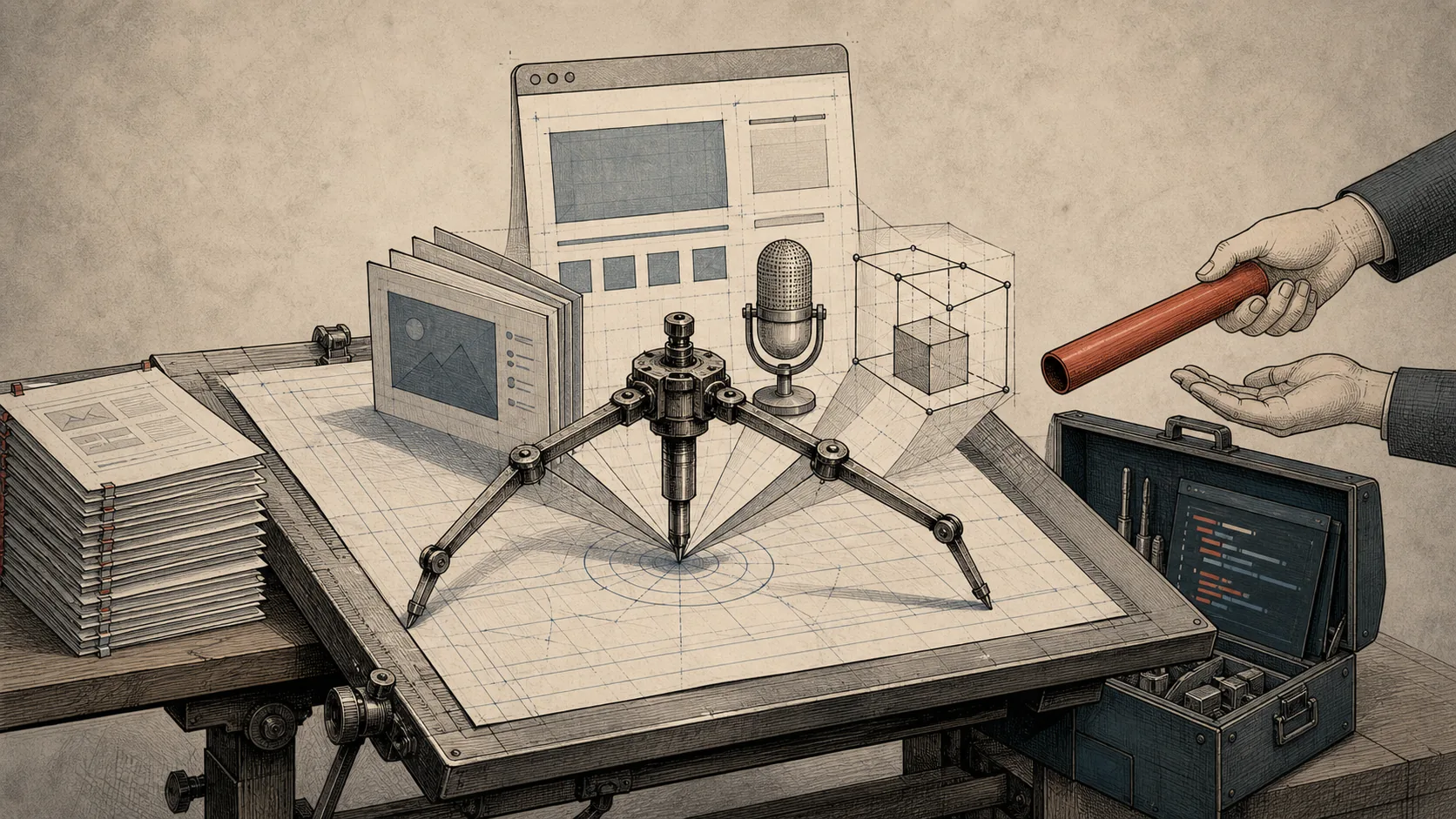
Claude Design generates real working code rather than flat images, according to the guide. That code-based output lets users create interactive prototypes with working navigation, embedded video, voice input, and 3D elements, whether the result resembles a slide deck, landing page, or full interactive prototype. The guide says this makes Claude Design closer to a design partner that outputs code than to Canva or Figma's vector-precision design tools.
New users see four starting points: Prototype for interactive interfaces and flows, Slide deck for presentations, From Template for a pre-built structure, and Other for single-page documents, infographics, or one-off visual assets. The workspace combines a chat panel with a live canvas, and Claude Design often asks clarifying questions about audience, tone, or structure before generating. The guide compares that behavior to Plan Mode in Claude Code, where the tool proposes before executing.
The guide says the most important beginner step is building a design system, not writing a one-line prompt. Users should collect brand inputs such as colors, fonts, logo files, existing screenshots, and representative materials; upload them; let Claude generate a starting UI kit; review the draft critically; test it with prompts for a form, a data table, and a hero section; then publish and refine it over time. For scattered assets, the guide recommends using Claude Cowork first to combine old decks and files into one organized brand document before feeding it into Claude Design. Once published, a design system applies at the organization level for Team and Enterprise accounts.
Prompting works better when each brief states 4 things: the goal, the audience, the key information, and the layout structure. After a design system exists, the guide recommends referencing named components such as "the primary button style from the design system" instead of vague visual requests such as "make the button blue." Inline comments are best for local edits tied to one element, while the chat panel is better for structural changes such as reorganizing a layout into three sections instead of two. The guide also recommends saving a version before major changes so users can compare directions rather than only roll back.
The guide positions Claude Design beside Figma, Canva, and vibecoding tools. Claude Design is best for fast first drafts, interactive prototypes, decks, and natural-language iteration; Figma is better for pixel-precise vector design, complex multi-page systems, and deep team collaboration; Canva fits template-driven marketing assets; and tools such as v0, Lovable, and Bolt fit prompt-to-deployable-app work. Claude Design exports code bundles and PPTX for decks, though deck export may simplify layouts.
The guide lists several beginner exercises: convert a one-page brief or notes into a polished one-pager, upload a rough interface screenshot and make it clickable, request an accessibility pass for contrast ratios, alt text, and keyboard navigation, and build a multi-step flow such as signup or checkout. It also recommends testing unusual content types, such as a data-heavy dashboard or long-form article layout, after publishing a design system to find weak spots before real projects expose them.
The guide identifies limitations around export, collaboration, scale, accounts, and workflow handoff. Claude Design can generate video content inside an interactive prototype but cannot yet export finished output as video. Inline comments have reportedly vanished in longer sessions, large projects can lag as the canvas grows, PPTX exports may simplify polished layouts, usage limits can be confusing to track, and data residency support is not available yet. The handoff from Claude Design to Claude Code works better than pulling existing code back intoDesign