JetBrains Open-Sources Thinkrail Agentic IDE
- •JetBrains open-sourced Thinkrail, an Apache 2.0 agentic IDE built around the pi coding agent.
- •Each workspace gets its own Git worktree and branch, letting agents work in parallel without editing the user's checkout.
- •Thinkrail uses agent-maintained SPEC.md files, requires users to bring provider credentials, and offers desktop installers for three platforms.
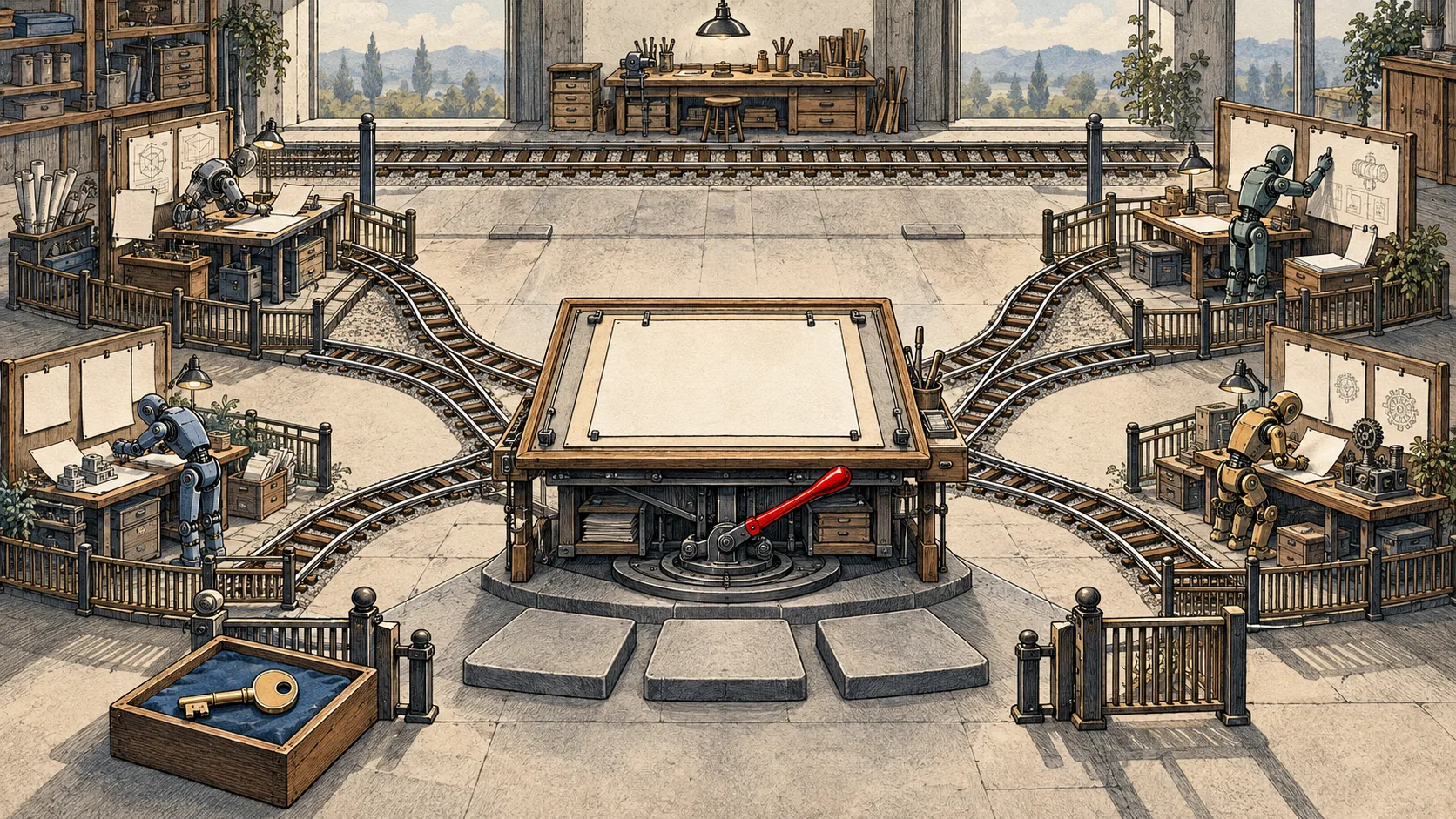
JetBrains has open-sourced Thinkrail, an agentic IDE built around the pi coding agent and published on GitHub under the Apache 2.0 license. The IDE gives each workspace its own Git worktree and branch, allowing agents to work in parallel without editing the user's checkout. Changes can then be coordinated through explicit merges. The article says this design separates each agent's work at the project-tree level rather than relying on prompts to limit file access.
Thinkrail stores project guidance in a graph of SPEC.md files beside the project's modules. Agents use dedicated spec_ tools to read and maintain those files, so the specifications are intended to preserve project intent between chat sessions. JetBrains develops Thinkrail using this spec-first approach, with a SPEC.md alongside every module. The article raises a concern that specifications could drift when agents both follow and edit them; it says the project documentation does not yet answer that question.
Thinkrail has no accounts of its own: users supply provider credentials. Its host includes an HTTP and WebSocket engine, one in-process agent session per chat, a typed, versioned wire protocol in packages/contracts, and a React 19 client. Listed capabilities include skills, workflows, MCP servers, subagents, per-chat model selection, and token and cost readouts. The author describes the product as version 0.x and says the protocol is young, so it has no year-long usage record. Desktop installers are available for macOS Apple Silicon, Windows, and Linux. The article gives Bun 1.4.4 and Node >= 22.19 as developer requirements, followed by bun install and bun run dev to start development.