On-Device or Cloud AI? Choose the Right Model for the Job

You ask a smartphone in airplane mode, “Play some music and close the windows.” The AI understands and responds. Then you add, “This music is a little boring. Play something more upbeat,” and it responds in the context of your earlier request.
That was a moment from a simulated in-car voice assistant demonstration by Rom Parnichkun, CTO of Liquid AI Japan, at DEEP DIVE INTO 2026 in Seoul on November 11.
Liquid AI, founded by MIT researchers, develops models designed to run efficiently across environments, from smartphones to servers. Its work began with a broader question—how to make AI models more efficient—and expanded into models that can run on devices.
AI has moved from small systems on individual devices to large language models running in vast cloud data centers. Now, the question of how to combine on-device and cloud AI is coming to the forefront again.
Where AI Runs Is Changing

When you use a service like ChatGPT or Gemini, your request normally travels over the internet to a server. A model running on that server generates an answer and sends it back. That is cloud AI.
On-device AI runs a model on the hardware you use, such as a smartphone, laptop, or car. The important difference is that the device can process the necessary data locally.
The distinction is not simply about model size. A small model can run on a server, while a relatively large one can run on a laptop or a company’s own servers. On-device describes where a model runs, not how intelligent it is.
Models running on devices have often been seen as limited in what they can do. But more efficient designs and training for specific tasks are expanding their capabilities. For certain jobs, they can also deliver results faster and at a lower cost.
A New Way to Build Small Models

Liquid AI is not focused solely on shrinking models. It also looks for designs that deliver better performance on the same device.
As Rom explained, the company creates multiple candidate model architectures and tests them on real hardware. Each candidate is trained and evaluated not only for the quality of its output, but also for how quickly it runs and how much memory it uses on a phone or laptop.
Promising architectures are kept, and some are modified to create new candidates. The process of generation, testing, and selection is repeated to find designs that fit the target device. It is called evolutionary search because it resembles selection and mutation in biological evolution.
Liquid AI trains models using the architectures it finds, then works to improve capabilities such as math, coding, and tool use. It also uses techniques that transfer capabilities from models trained in different specialties into one model. The goal is to give a compact model useful abilities across a range of tasks.
That work takes substantial development and training resources. A small model is not necessarily easy to make. Liquid AI’s approach is to invest in development so the finished model can then run repeatedly on smaller devices.
Rom also discussed recursive self-improvement (RSI) as a research direction he is interested in: finding ways for an AI system to improve using information gathered through use. In particular, he sees potential in systems that adapt to individuals without sending all their personal device data to the cloud.
How AI can improve for each person remains an open research challenge. But the way models are built—and the way they may operate on users’ devices—is changing.
Why On-Device AI Matters

Rom highlighted four potential advantages: cost, offline access, response time, and privacy.
Tasks processed entirely on a device can continue even when internet access is unreliable. That matters in settings such as factories, warehouses, and vehicles on the move.
Response times can also change. A cloud service requires data to make a round trip to a server. Processing locally removes that network trip, which can improve the experience when a voice assistant needs to respond quickly. Actual speed still depends on the device, model size, and workload.
Local processing also gives organizations another way to handle data. For example, an application designed to analyze company documents on a device can perform that work without sending the entire document to an external model.
The cost structure is different, too. A task executed on a device does not incur a usage-based fee for a cloud model call. But businesses must account for the purchase price of capable hardware, along with deployment, maintenance, memory and battery use, and updates. Compare the total cost of operating the service, not just the cost of a single request.
AI at Your Side Can Feel More Personal
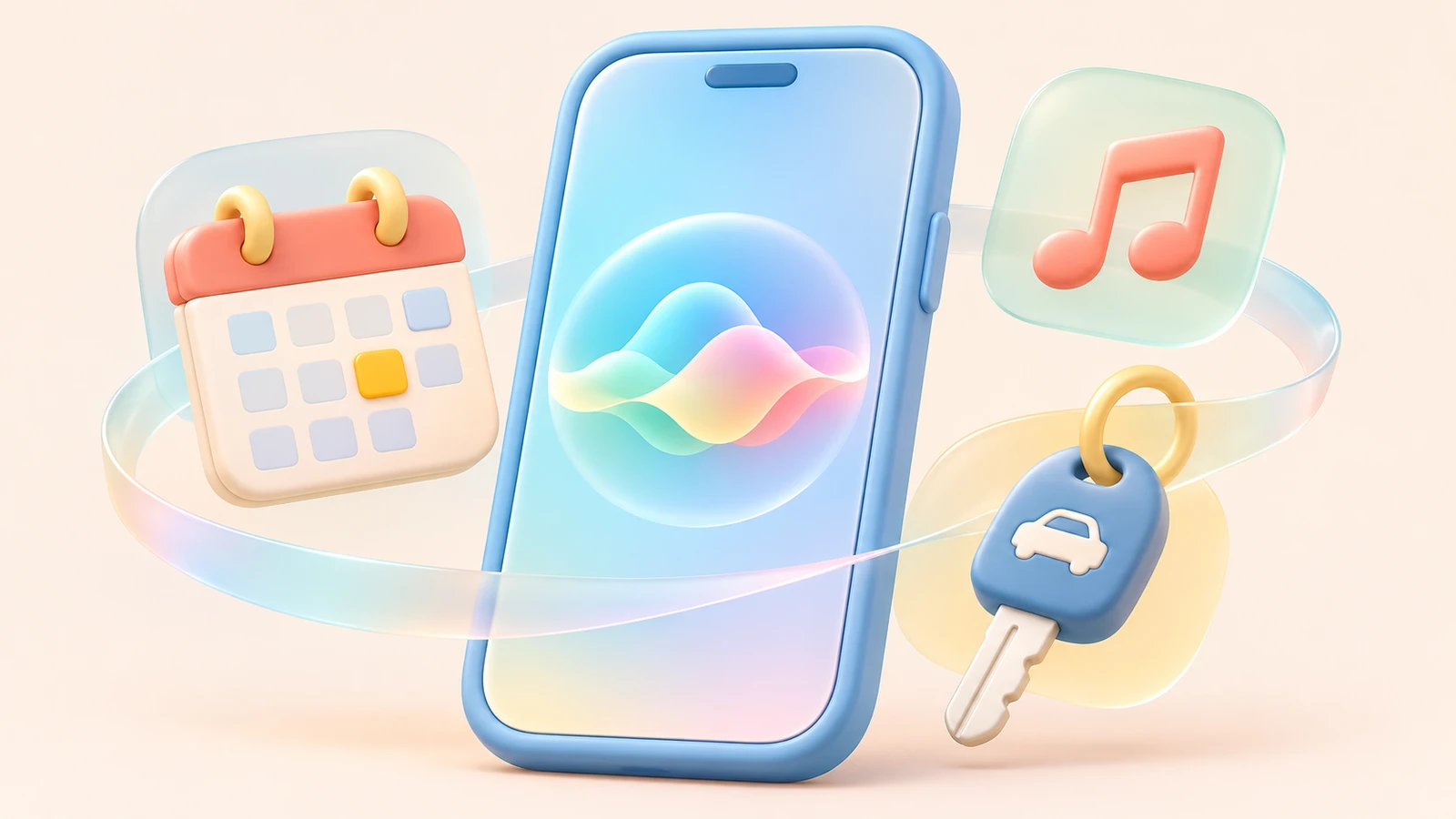
On-device AI could change more than processing speed. It could also change how people interact with AI.
Today, people often open an app when they have a question. With AI built into a phone or car, they could speak to a device they already use throughout the day.
The presentation also showed a demonstration video in which an AI on a smartphone used permitted calendar and email information to review a wedding invitation, check for conflicts, and organize travel details. It illustrated how a device might help without requiring the user to explain the entire situation each time.
An AI that can understand a person’s schedule or preferences may feel more like a personal assistant. In a car, it might respond to voice requests for frequently used functions. On a phone, it might organize useful information from data the user has allowed it to access.
Being on a device does not automatically make an AI understanding or safe. Users need control over which information it can access, and actions such as sending a message or making a booking need appropriate confirmation.
Combining On-Device and Cloud AI
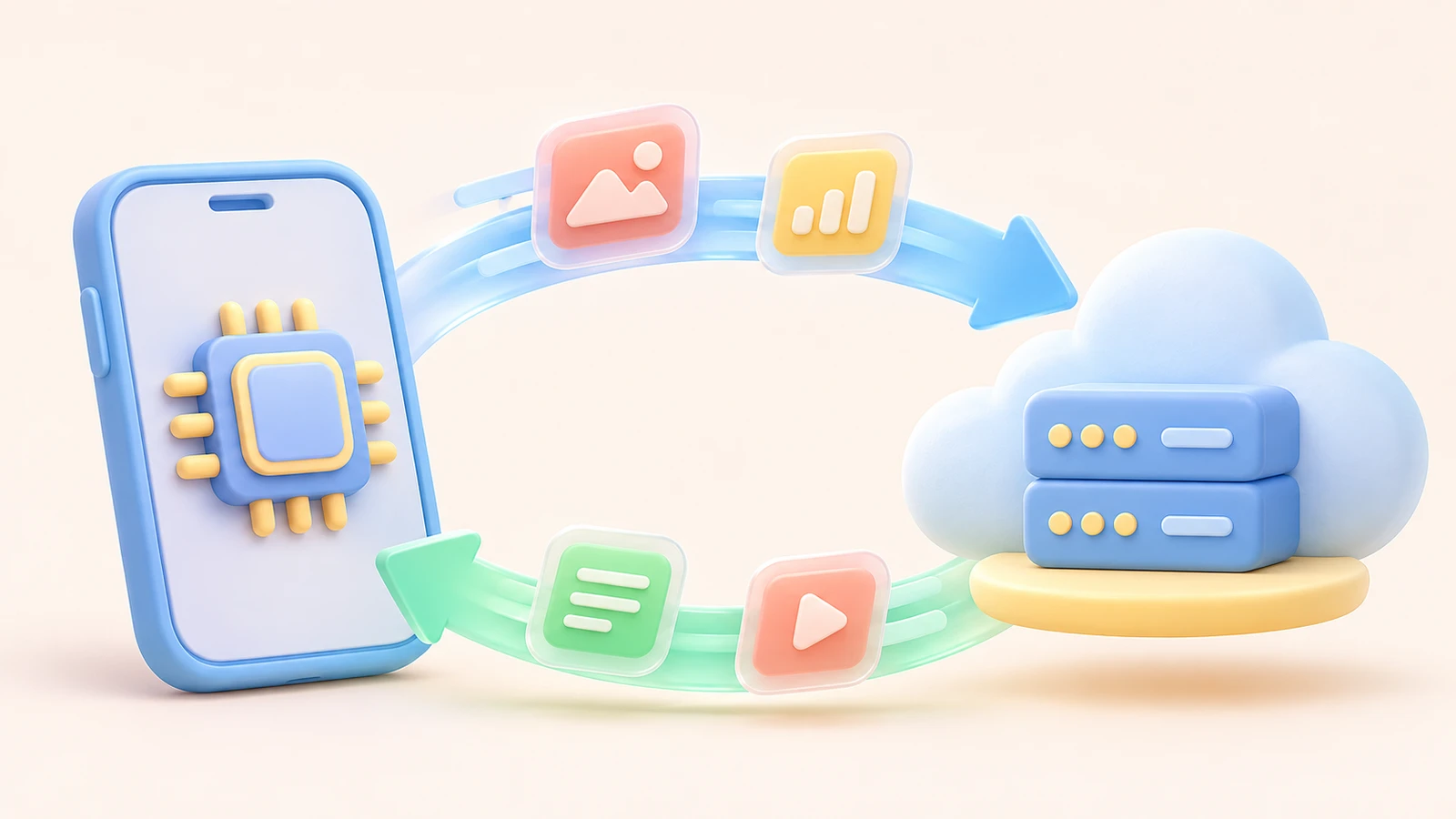
On-device and cloud AI do not have to be mutually exclusive. A single service can combine them according to the task.
For example, a device could understand a field worker’s voice request and handle frequent tasks locally. Basic functions could remain available when connectivity is unreliable, while requests that need a quick response could be handled close to the user.
For analyzing several long documents or connecting knowledge across different fields, the service could use a larger cloud model. It should send only the information the user has allowed and connect a separate search function when up-to-date information is needed.
The same idea applies in a car: handle a request to close a window or change music on the device, and use a cloud model when more complex research or planning is needed. To the user, it can look like one assistant. Behind the scenes, the system chooses where to process each task based on the job and the environment.
That design must also specify what data goes where. Even when a model runs locally, an app may store inputs or outputs on a server. As Rom explained, privacy depends on how the application is implemented, as well as where the model runs.
Which Model Fits Your Business?
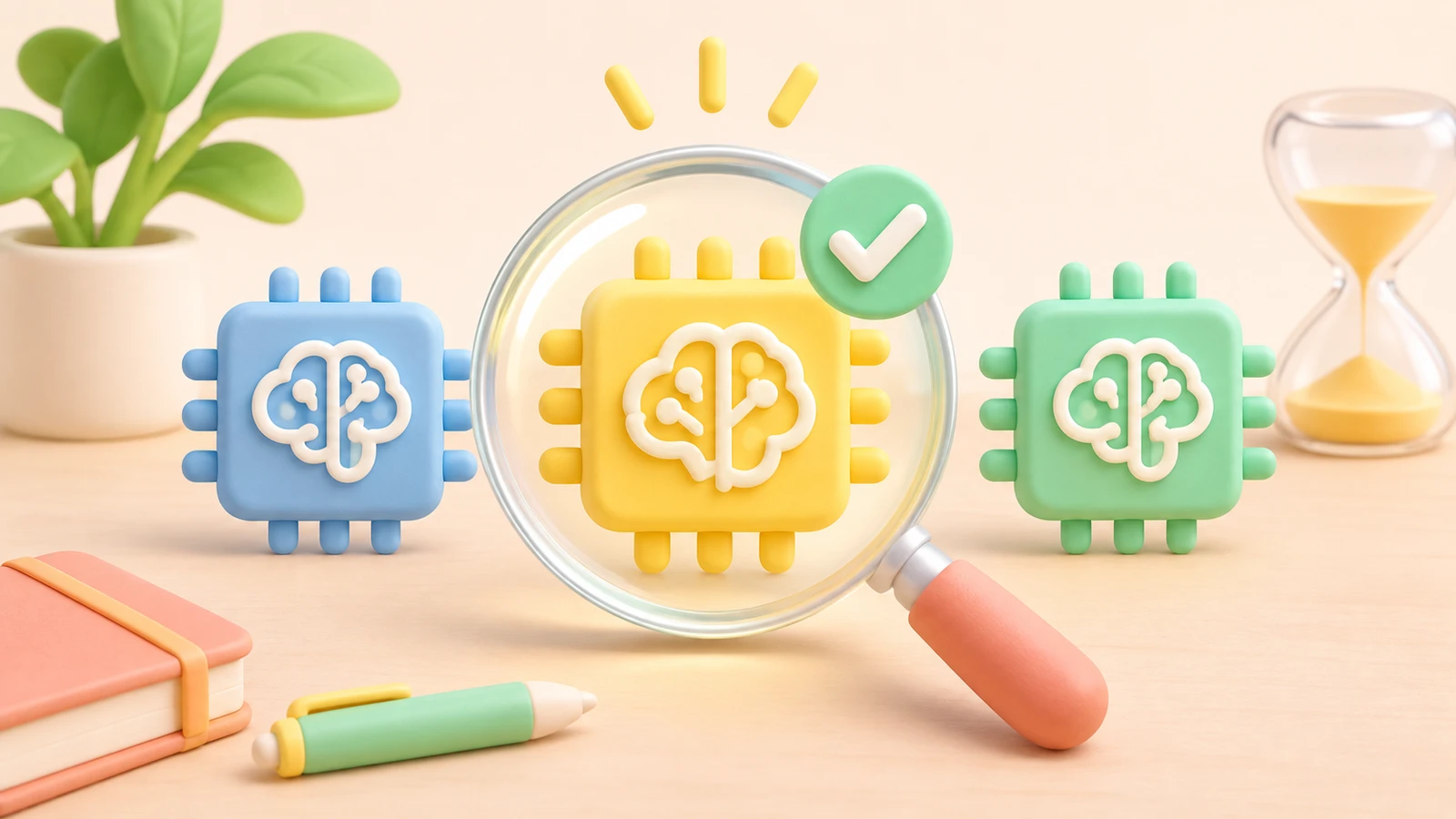
When adopting AI, start with what the work requires, rather than which model is best known.
Quickly classifying customer inquiries calls for different capabilities than reading several documents and developing a new strategy. Whether a system needs to work offline in the field, how quickly it must respond, and where data can be processed all affect the choice.
To explore the options, AIB’s AI rankings by use case cover areas such as automation, document work, and coding. Once you have candidates, AI Model Compare lets you review price, speed, context capacity, and evaluation results side by side. You can also use AIB AI Compare to compare responses to the same question.
The next step is to test candidates against your actual work and operating environment. A highly ranked model will not necessarily be the best fit for your business. An on-device model also needs to demonstrate sufficient speed and accuracy on the hardware you plan to use.
As on-device and cloud AI grow closer in capability, your options expand. Deciding which work to run where is becoming a key part of making AI faster and more useful.
Read Next
More posts related to AI Trends →
Teach Kids About AI, Limit Their AI Use: 6 Family Rules for Safe AI
In our last post, we looked at "What Should Kids Learn When AI Does the Work?" This time, let's look at what families can actually do at home. O…

Who Will Control AI Agents: The AI Builders or the Platforms Holding the Data and Tools?
When a shopper tells an AI, “Find the right one and buy it for me,” who controls the customer relationship? The AI company that understands the…

How Do You Build and Connect AI Agents? Notes from Google Agentic AI Night
How do you build AI agents and connect them so they can take on a task together? Start by defining each agent's role, the instructions it should…

AI-powered hacking: how to use AI to help protect an older website
Attackers are using AI to find weaknesses and revise attack code. Is your online shop or booking site still running much as it did years ago? As…