OpenAI DevDay Exchange Seoul: What Comes After Delegating Work to AI
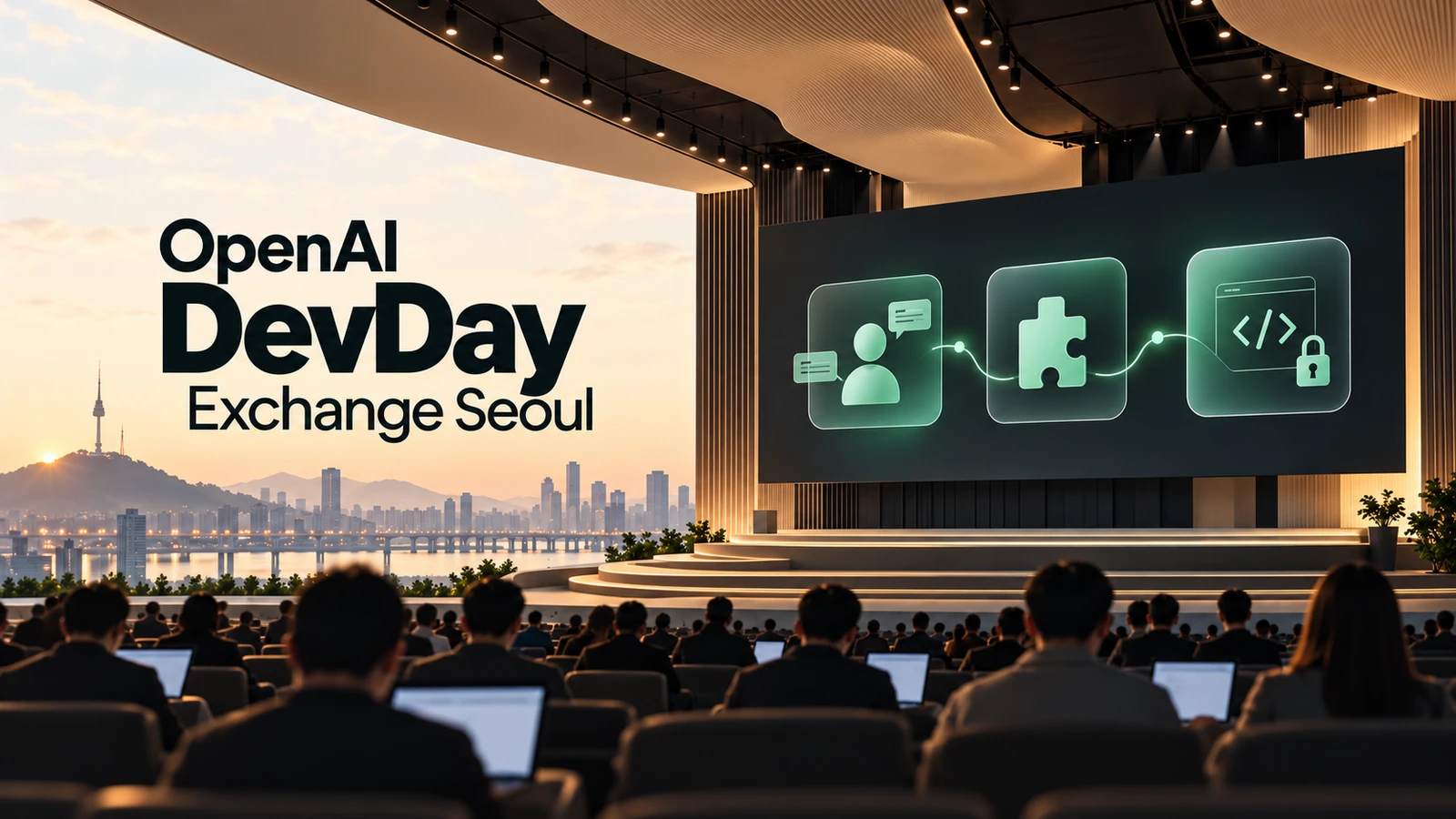
After attending OpenAI DevDay Exchange Seoul on October 22, the question that stayed with me was not “What can AI do?” but “Once we delegate work to AI, how does that work continue, and who is responsible for seeing it through?”
Collaboration between AI agents, extensions through ChatGPT plugins and Sites, security—these may seem like separate topics. Ultimately, they all come down to building an environment in which real work can be carried through to completion.
Here is a brief look at the future of AI that OpenAI is outlining.
What it means to delegate work to an agent
The “What Comes After Loops?” session presented an approach in which two agents have clearly defined deliverables and constraints, separate responsibilities that do not overlap, and one agent responsible for bringing the results together. This was different from simply running several AIs at once.
The Manager Skill, which provides instructions for coordinating agents, assigns substantive work to both agents and makes one responsible for consolidating the overall results. Overlapping responsibilities can lead to simultaneous changes to the same file or duplicate attempts to fix the same problem. Preventing this takes more than assigning role names: each agent needs a defined deliverable, a scope for its changes, and a shared set of constraints.
One example that stood out was creating a separate conversation for each pull request—a proposed code change—and coordinating its review, issue resolution, and safe merge. The agents handling individual pull requests were separated from the role overseeing progress across them. Instead of entering the next instruction at every step, the human defines goals and responsibilities and manages how the results come together.
Work logs became especially important in this setup. Goals, current instructions, owners, unfinished work, and decisions were kept in one place, to be read again after context compaction or a handoff. A long conversation should not cause earlier decisions or remaining tasks to disappear.
The unit of collaboration is not an individual answer, but a scope of responsibility and a deliverable. Delegating extended work successfully requires more than capable agents. It requires a structure that makes it possible to see who is doing what and how much has been completed.
Connecting tools means building a working environment
The plugin presentation introduced a shared to-do list that agents could read and update through an MCP server, deployed with Sites and packaged as a Codex plugin. MCP connects agents to external tools and data. A shared to-do list becomes more than a screen for people: it is a place where multiple agents can check and update the current state of their work.
Each component has a distinct role. Codex helps with implementation. The MCP server exposes functions for reading and updating the list. Sites hosts the server, while the plugin packages the connection details and usage procedures so the functionality is available in ChatGPT and Codex. This brings a developer’s functionality into an agent’s working environment.
A plugin package defines its basic information in plugin.json, including its name and version, and its MCP connection in mcp.json. It can also include skills describing usage procedures and assets such as icons. Being able to call a function is not the same as being able to use it appropriately. Tools need inputs and outputs; skills describe when to use them and in what order. A tool for working with molecular structures, for example, can provide a viewer alongside the conversation so users can inspect the structure as well as read its textual explanation.
The presentation also covered what happens after installation. An onboardingSkill guides first-time users through setup. Event lists, subscriptions, and webhooks provide a way to receive changes from connected services and initiate follow-up work. This extends tool use beyond responding to a user’s question: work can continue when a specified event occurs. Deciding which events to subscribe to and what work should follow is therefore part of plugin design.
The “Harness-as-a-Service” session addressed the foundation for executing that work. A harness supplies the model with instructions and tools, feeds tool results back to it, and manages execution history and context. The Agents API takes the approach of providing this execution foundation as a managed service. Where plugins bring external functionality into ChatGPT and Codex, the Agents API brings agent execution into a developer’s application.
In the flight-change demonstration, individual and family bookings were handled in separate sessions. The agents compared constraints such as arrival airports, keeping family members on the same flight, and seating children near their guardians. The central idea was an execution structure that examined different people’s requirements separately and combined the results into a proposed change that met those requirements.
Connecting more tools does not, by itself, create a complete working environment. Shared state, procedures for using tools, events that communicate changes, and the foundation for continued execution need to work together. The shared to-do list carries work state forward; in the flight-change process, that state and the relevant constraints inform the next decision.
In security, verification matters as much as detection
What stood out in the Codex Security session was the examination of access controls in a document service. The task was to trace how information about the logged-in user passed through document retrieval and the response, and to check whether both document ownership and organization membership were verified. Rather than a vague request to “find vulnerabilities,” the scope of the inspection and the evidence to retain were defined.
The distinction between authentication and authorization matters here. Authentication establishes who a user is; authorization determines whether that user may access a particular document. If a logged-in user can change a document ID and read someone else’s private document, there is a problem with the access controls. Checking only whether the user is logged in will not prevent this type of issue.
The inspection used not only code but also information such as SECURITY.md, system architecture, and web application firewall (WAF) settings. Finding a suspicious code path is only part of the assessment: whether that path is reachable in the deployed service, and which data it could affect, changes the judgment.
Finding a problem is not the same as establishing its impact. Severity describes the potential harm; confidence describes how firmly the evidence supports the assessment. If the connection to the production service or the extent of customer data exposure has not been established, the confirmed vulnerability must be distinguished from its still-unverified effects.
The workflow was scan → deduplicate → validate vulnerabilities → prioritize → generate patches → verify fixes → review code. Producing a patch is not the end. It must block unauthorized access to other people’s documents while preserving access for legitimate users. A change that rejects every request may conceal the security problem, but it is not a correct solution.
Security work is not complete simply because AI produces many warnings. The process must identify what actually needs fixing and verify that the fixes work as intended.
Enterprise AI transformation starts with connecting internal knowledge
The LG CNS customer session on the gap between AI adoption and transformation asked what separates a company that uses AI from one that operates through AI. Its central question was how to connect AI with the tacit knowledge accumulated in day-to-day operations and processes.
The AI Factory made this concrete through four layers:
- Model Layer: Establishes the execution foundation, including GPUs, models, and model routing.
- Knowledge Context Layer: Connects ERP, CRM, MES, databases, documents, and knowledge to provide company-specific context.
- Agent Build Layer: Builds agents that use that context.
- Governance & Operation Layer: Covers operations, including security, costs, and human review.
There is a clear reason business systems such as ERP and CRM sit at the center. For AI that answers general questions to handle a company’s work, it needs to know that company’s rules and current state. The information needed for business decisions—production schedules, customer contracts, and exceptions permitted in practice—is not inherently present in the model.
Connecting knowledge means more than loading additional documents. It also requires determining which information is currently valid, which system’s state should be authoritative, and who may access it. Data preparation and system integration therefore need to be addressed alongside security, governance, process redesign, and change management.
The gap between the pace of model improvements and the pace of business adoption does not close automatically with a single technology. For agent collaboration and tool integration to produce business results, the company’s knowledge and ways of working must be designed into the system as well.
Closing thoughts
The care that went into organizing OpenAI DevDay Exchange Seoul was evident, and the half-day event offered a chance to learn from a wide range of concepts and examples. It covered MCP and plugins, Sites and Dots, agent execution and security. Even so, it felt as though we are still at the beginning of the AI era.
What I want to apply in my own work is less about adding another tool and more about building a structure that carries delegated work through to completion. I plan to bring clear ownership and deliverables, shared work state, and verification of results into actual workflows.
If you are considering how to choose and apply AI for your work, get in touch with AIB.
References
Read Next
More posts related to AI Agents →
Decision AI After Jev: What OpenAI and Laya Could Change for Businesses
Does routing a customer inquiry really require an AI to write a long answer? That was the question behind our earlier article on Jev. OpenAI, Pe…

Teach Kids About AI, Limit Their AI Use: 6 Family Rules for Safe AI
In our last post, we looked at "What Should Kids Learn When AI Does the Work?" This time, let's look at what families can actually do at home. O…

Who Will Control AI Agents: The AI Builders or the Platforms Holding the Data and Tools?
When a shopper tells an AI, “Find the right one and buy it for me,” who controls the customer relationship? The AI company that understands the…

How Do You Build and Connect AI Agents? Notes from Google Agentic AI Night
How do you build AI agents and connect them so they can take on a task together? Start by defining each agent's role, the instructions it should…